
How to Prepare Your Startup for Directory Submissions
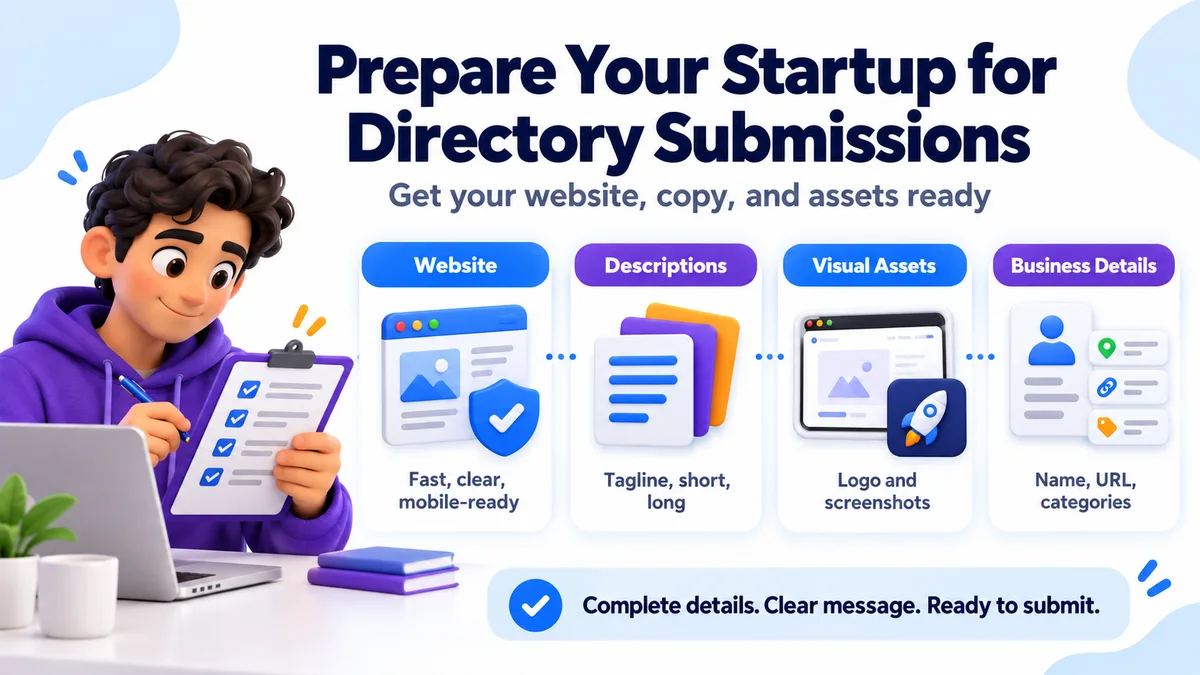
You found a good directory submission service and you’re ready to hire one. But there’s one thing that decides how well it goes: how ready your startup is. A service can only work with what you give it. If your site is slow, your product description is vague, or your logo is blurry, even the best team will struggle. If everything is ready, your listings get approved faster, look better, and send visitors who actually convert. This guide shows you how to get your startup ready, step by step, before you hand anything over.
In this guide
- 1.Why Preparation Matters
- 2.Step 1: Fix Your Website Basics
- 3.Step 2: Decide Your Positioning
- 4.Step 3: Write Your Description Set
- 5.Tips for strong descriptions
- 6.Step 4: Gather Your Visual Assets
- 7.Step 5: Collect Your Business Details
- 8.Step 6: Choose Your Keywords and Categories
- 9.Step 7: Set Up Tracking
- 10.Step 8: Check Your Brand Presence
- 11.Step 9: Plan for Reviews and Follow-Up
- 12.Pre-Submission Checklist
- 13.Common Mistakes to Avoid
- 14.Pros and Cons of Preparing Thoroughly
- 15.How SubmitWell Can Help
- 16.Final Thoughts
- 17.Frequently Asked Questions
Why Preparation Matters
Directory editors review thousands of listings. They approve the ones that look real, clear, and complete. They reject the ones that look rushed or spammy.
Good preparation helps you in four ways:
- Higher approval rates: Complete, clear listings pass reviews more often.
- Faster turnaround: The service doesn’t need to chase you for missing details.
- Better first impressions: Visitors judge your product in seconds.
- Stronger results: Visitors who land on a clear, fast site are more likely to try your product.
Think of directory submissions as sending guests to your house. You want to clean it first.
Step 1: Fix Your Website Basics
Every listing sends people to your site. Before you submit anywhere, check these.
Speed and mobile
Open your site on your phone. Does it load fast? Is the text easy to read? Many directory visitors browse on mobile. Google’s PageSpeed Insights is a free tool for checking Core Web Vitals.
A clear homepage
A new visitor should understand three things in five seconds: what your product does, who it is for, and what to do next. If your headline is vague, rewrite it.
A working signup path
Make sure your free trial, demo, or signup button works. Test it yourself.
Trust pages
Have these live and easy to find:
- About page
- Contact page
- Privacy policy and terms
- Pricing page
Directory editors often check these. Missing pages can look like a sign of a throwaway project.
Basic technical health
Check that your site uses HTTPS, has no broken pages on key paths, has a clean title tag and meta description on the homepage, and shows the right copyright year.
Step 2: Decide Your Positioning
Before you write any description, answer these questions in plain words:
- What problem does your product solve?
- Who is it for?
- How is it different from other tools?
- What is the main result a customer gets?
Write one sentence that covers all four. For example:
“InvoiceNest helps freelancers send invoices and get paid faster, without spreadsheets.”
This one sentence becomes the base of every listing. Using the same core message everywhere helps people and search engines understand your brand.
Step 3: Write Your Description Set
Most directories ask for different lengths. Prepare these versions in advance:
| Item | Length | Use |
|---|---|---|
| Tagline | 5 to 10 words | Headline field on the listing |
| Short description | About 50 words | Cards and search results |
| Medium description | About 100 words | Standard listings |
| Long description | 150 to 250 words | Full profile pages |
| Feature list | 5 to 8 short bullets | Features section |
Tips for strong descriptions
- Use plain, simple words. Skip hype like “revolutionary” and “game-changing.”
- Lead with the benefit, not the technology.
- Mention your main keyword once or twice, naturally.
- Say who it is for.
- Don’t copy your homepage word for word. Duplicate text across many sites adds no value.
Weak: “Our innovative AI-powered platform leverages cutting-edge technology to optimize workflows.”
Better: “Send invoices in two clicks, track who has paid, and get automatic reminders for late payments.”
The second version tells people what they get.
Step 4: Gather Your Visual Assets
Listings with good images get more attention. Prepare:
- Logo: A square version and a wide version, both on a clean background. Use PNG or SVG.
- Screenshots: 3 to 5 clear images of your real product. Show the main dashboard and key features.
- Product video or demo link: Optional, but helpful.
- Founder photo: Some startup directories ask for one.
- Brand colors and name spelling: So your brand looks the same everywhere.
Avoid blurry or tiny images. Compress files so they stay light, but don’t make them look rough. Name your files clearly, such as invoicenest-dashboard.png.
Step 5: Collect Your Business Details
Make one simple document with the facts a service will need:
- Product name and website URL
- Category and sub-category (for example, “Finance,” then “Invoicing”)
- Pricing model: free, freemium, free trial, or paid
- Launch date or founding year
- Founder or company name
- Short founder bio
- Support email
- Social profile links (X, LinkedIn, GitHub, Product Hunt, and so on)
- Languages and platforms supported
Keep it consistent. Your name, URL, and description should match across all listings. Mixed-up details make your brand look less trustworthy.
Step 6: Choose Your Keywords and Categories
You don’t need a long keyword research project. Pick:
- One primary keyword, such as “invoicing software for freelancers”
- Three to five secondary keywords, such as “freelance invoice tool” or “online invoice generator”
- Two or three categories that match how buyers look for tools
Use these keywords naturally in your descriptions and tags. Never stuff them. Directory editors and search engines both dislike keyword lists.
Step 7: Set Up Tracking
You want to know whether your listings work. Set this up before they go live.
- Analytics: Install Google Analytics or a privacy-friendly alternative.
- Google Search Console: Verify your site so you can watch impressions, clicks, and new backlinks over time.
- UTM links (optional): Add tags to listing URLs so you can see which directories send visitors. Some directories strip UTM tags, so don’t count on this everywhere.
- Goal tracking: Mark signups or demo requests as conversions.
Take a snapshot of your numbers first: traffic, referring domains, and branded searches. Then you can compare after a few months.
Step 8: Check Your Brand Presence
Directory editors often do a quick search for your brand. Make sure they find something real.
- Create or update your LinkedIn company page and X profile.
- Make sure your social bios match your tagline.
- Add Organization schema to your site if you can. It helps search engines understand your brand.
- Search your own brand name and fix anything confusing.
Step 9: Plan for Reviews and Follow-Up
Some directories let users leave reviews or ratings. If you have happy customers, ask a few to leave honest feedback after your listing goes live. Never fake reviews. It breaks the rules of most directories and can damage trust.
Also decide who will answer comments, claim listings, and update details when your product changes.
Pre-Submission Checklist
Use this before you hand anything to a service:
Website
- Loads fast on mobile
- Clear homepage headline and call to action
- About, Contact, Privacy, Terms, and Pricing pages live
- HTTPS enabled and signup flow tested
Content
- One-sentence positioning statement
- Tagline, short, medium, and long descriptions
- Feature list
- Primary and secondary keywords chosen
Assets
- Logo (square and wide)
- 3 to 5 product screenshots
- Founder photo and bio
- Social links ready
Tracking
- Analytics installed
- Search Console verified
- Baseline numbers saved
Common Mistakes to Avoid
| Mistake | Why it hurts | Fix |
|---|---|---|
| Submitting before the site is ready | Poor first impression, lost visitors | Finish core pages first |
| Using one description everywhere | Looks spammy, no extra value | Prepare several versions |
| Blurry or missing images | Lower approval and clicks | Use sharp logos and real screenshots |
| Inconsistent brand details | Confuses users and search engines | Keep a single details document |
| Keyword stuffing | Can cause rejection | Write for humans first |
| No tracking | You can’t measure results | Set up analytics before launch |
| Overpromising in descriptions | Editors reject exaggerated claims | Describe features honestly |
Pros and Cons of Preparing Thoroughly
Pros
- Fewer rejections and faster approvals
- Better-looking listings that earn more clicks
- Easier work for the service, which saves time
- Clear data to measure results later
Cons
- It takes time up front, often a few hours to a couple of days
- You may find gaps in your site you need to fix first
- Writing good descriptions takes some effort
The effort is small compared with what you gain.
How SubmitWell Can Help
[SubmitWell](/) is a manual directory submission service for founders, indie hackers, and SaaS creators. Because listings are submitted by hand, the details you prepare here directly shape how each listing looks on each directory.
If you want to move faster, use the checklist above as your brief. The more complete it is, the smoother the process.
Final Thoughts
Preparing for directory submissions is simple but powerful. Fix your site basics, define your message, write clear descriptions, gather sharp visuals, and set up tracking. When you do that, any good service can do its best work for you.
Directory listings send people to your front door. Make sure it is open, clean, and ready.
Frequently Asked Questions
How long does it take to prepare for directory submissions?
Most startups need a few hours to two days. If your website and content are mostly ready, it can be faster.
What do I need before using a SaaS directory submission service?
You need a working website, a clear product description in several lengths, a logo, screenshots, business details, and your social links.
Do I need a finished product before submitting?
Your product should be live or at least have a working landing page with a clear offer. Directories usually reject empty or “coming soon” pages.
How long should my product description be?
Prepare a tagline, a 50-word short version, a 100-word medium version, and a 150 to 250-word long version. Different directories ask for different lengths.
Should I use the same description on every directory?
Not exactly. Keep the core message the same, but vary the wording. Identical text across many sites adds little value.
What kind of images do directories want?
Usually a logo and several clear screenshots of your real product. Square and wide logo versions are useful, and a short demo video can help.
Do I need SEO keywords for directory listings?
A little. Pick one main keyword and a few related ones, and use them naturally. Write for people first.
How do I measure whether my listings are working?
Use analytics, Google Search Console, and baseline numbers taken before you start. Look at referral traffic, new referring domains, signups, and branded searches over a few months.
Ready to submit your startup?
Share your startup details with SubmitWell for manual directory submissions and a report with submitted links and screenshot proof.
See Plans - Starting at $35Useful tools for this guide
Related Resources
Ready to submit your startup?
Share your startup details with SubmitWell for manual directory submissions and a report with submitted links and screenshot proof.
See Plans & PricingOne-time payment. No subscription.